How do I pledge my shares on ArihantPlus?
To pledge your shares:
- Log in to your ArihantPlus app or web trading platform
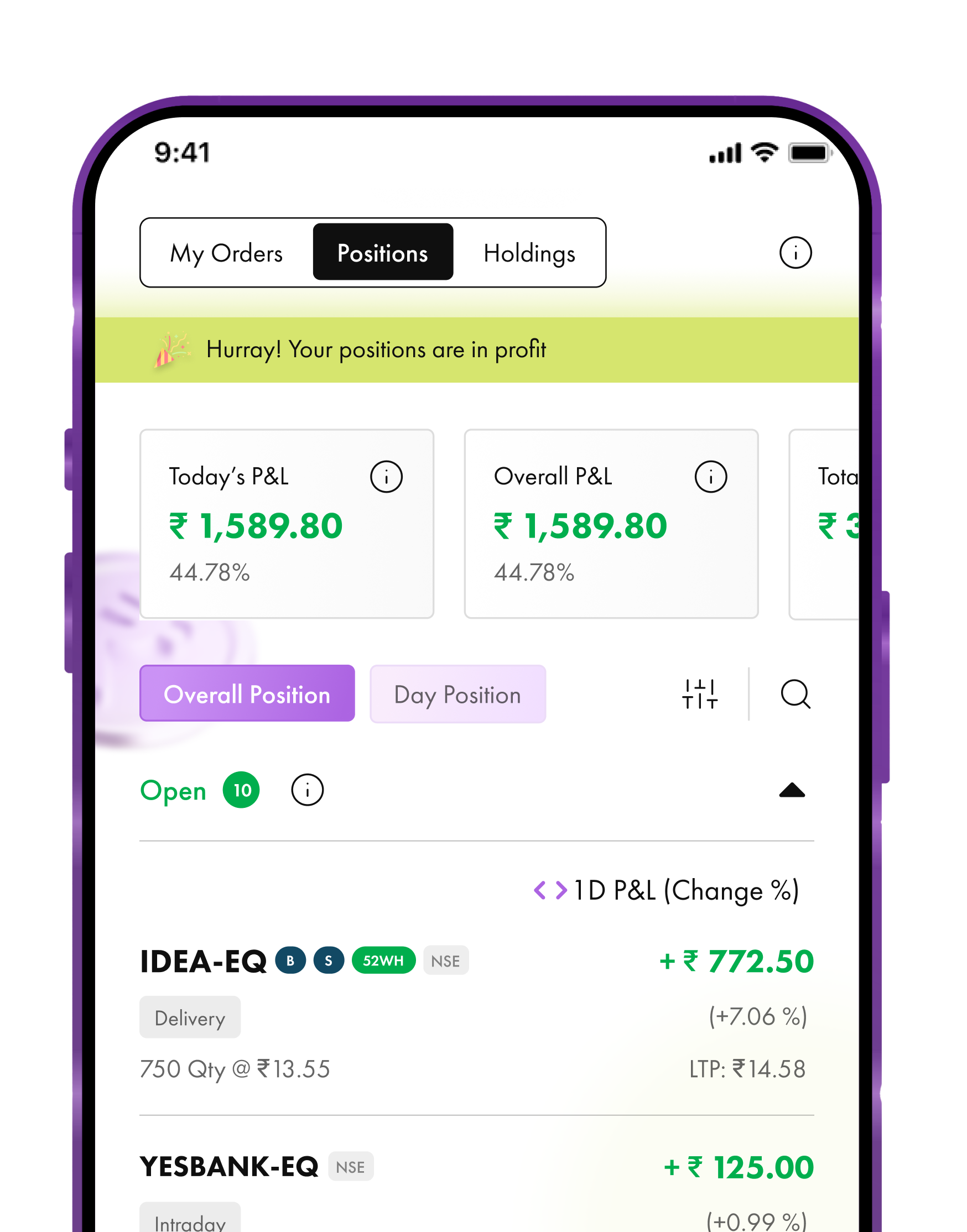
- Navigate to the 'Holdings' section or Funds page
- Tap on 'Pledge share' option
- You’ll see all securities eligible for pledging along with the qty available and margin benefit you will get.
- Select the holdings to pledge. By default all securities are selected. You can deselect items you don't want to pledge or change the quantity
- Check the total value and the margin benefit you will get from selected securities at the bottom
- Tap on Verify & Pledge button to confirm pledge
- Enter the OTP received to authorize the pledge through CDSL/NSDL.
- The pledge will be processed, and the margin limit will be given in trading within 15 minutes.
You can pledge securities between 8 AM and 3 PM on trading days. However, you can unpledge your securities anytime, there are no restrictions there.
The cost of pledging is ₹30 + GST for each pledge request, per ISIN, regardless of the quantity of shares you pledge. There are no charges for unpledging.
Did this help?
Thanks for your feedback!
Thanks for your feedback!
Thanks for your feedback!
Related Articles